
DINO 3D: Fast-Paced Desert Sprint Adventure
Overview
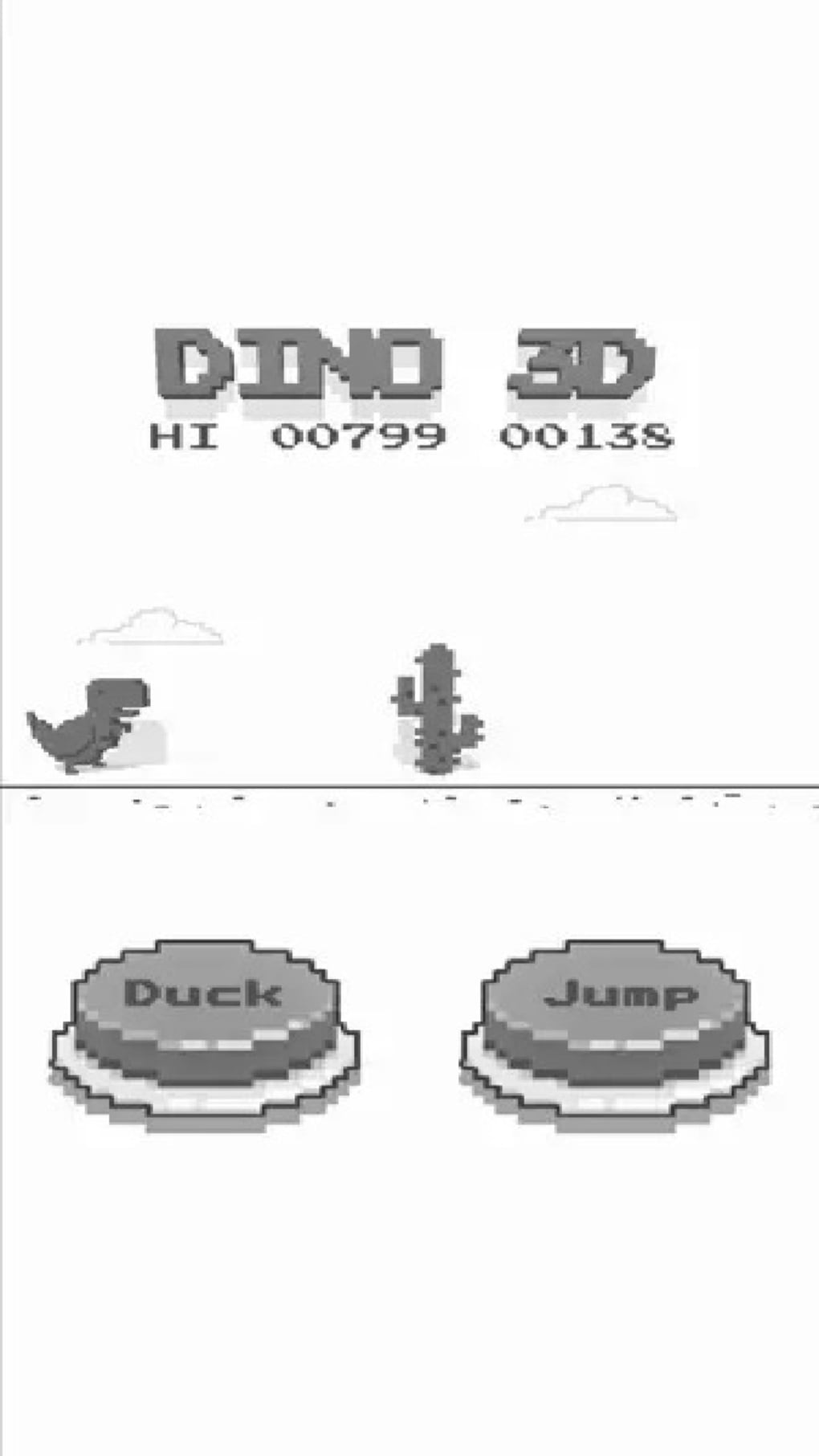
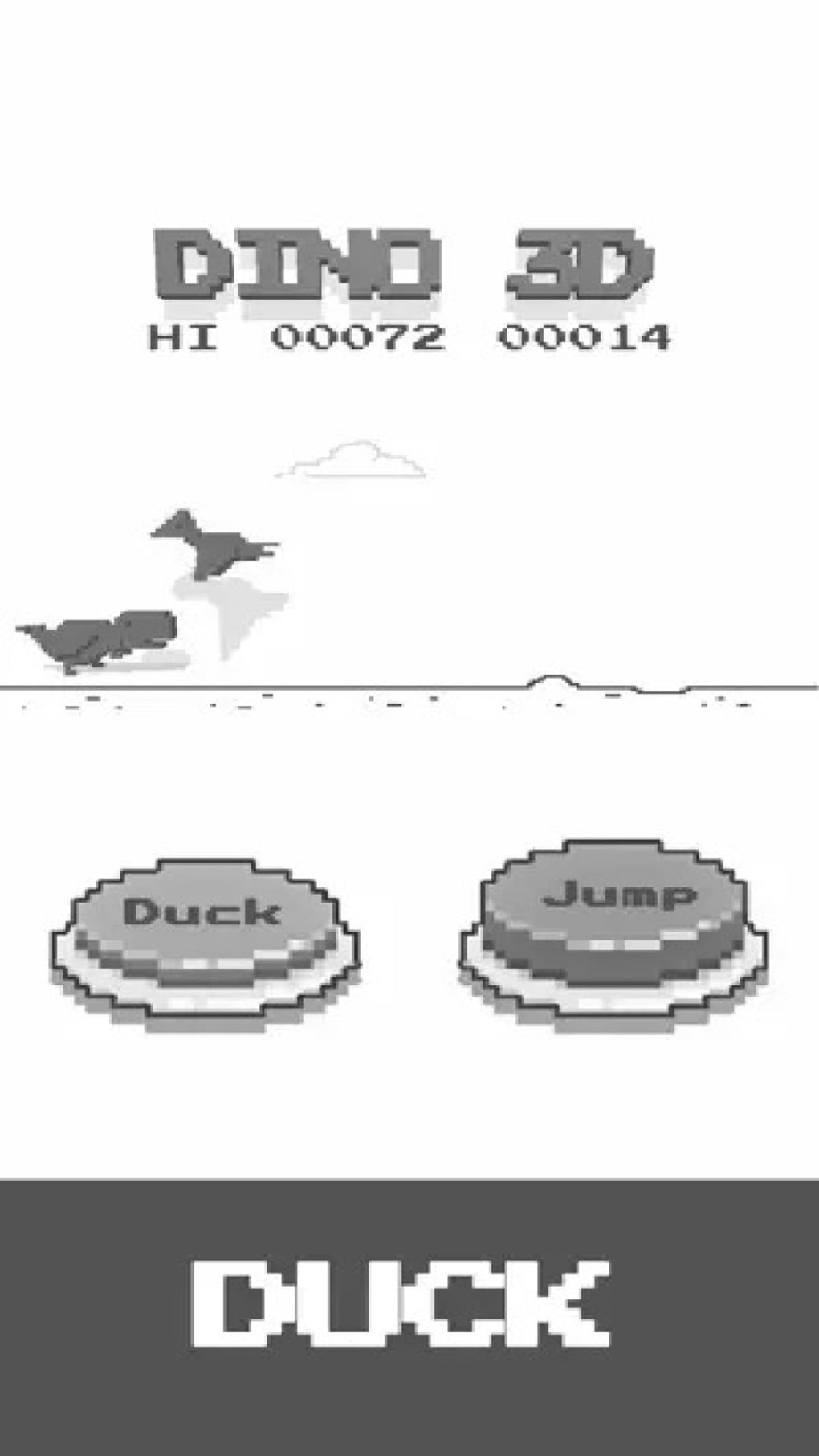
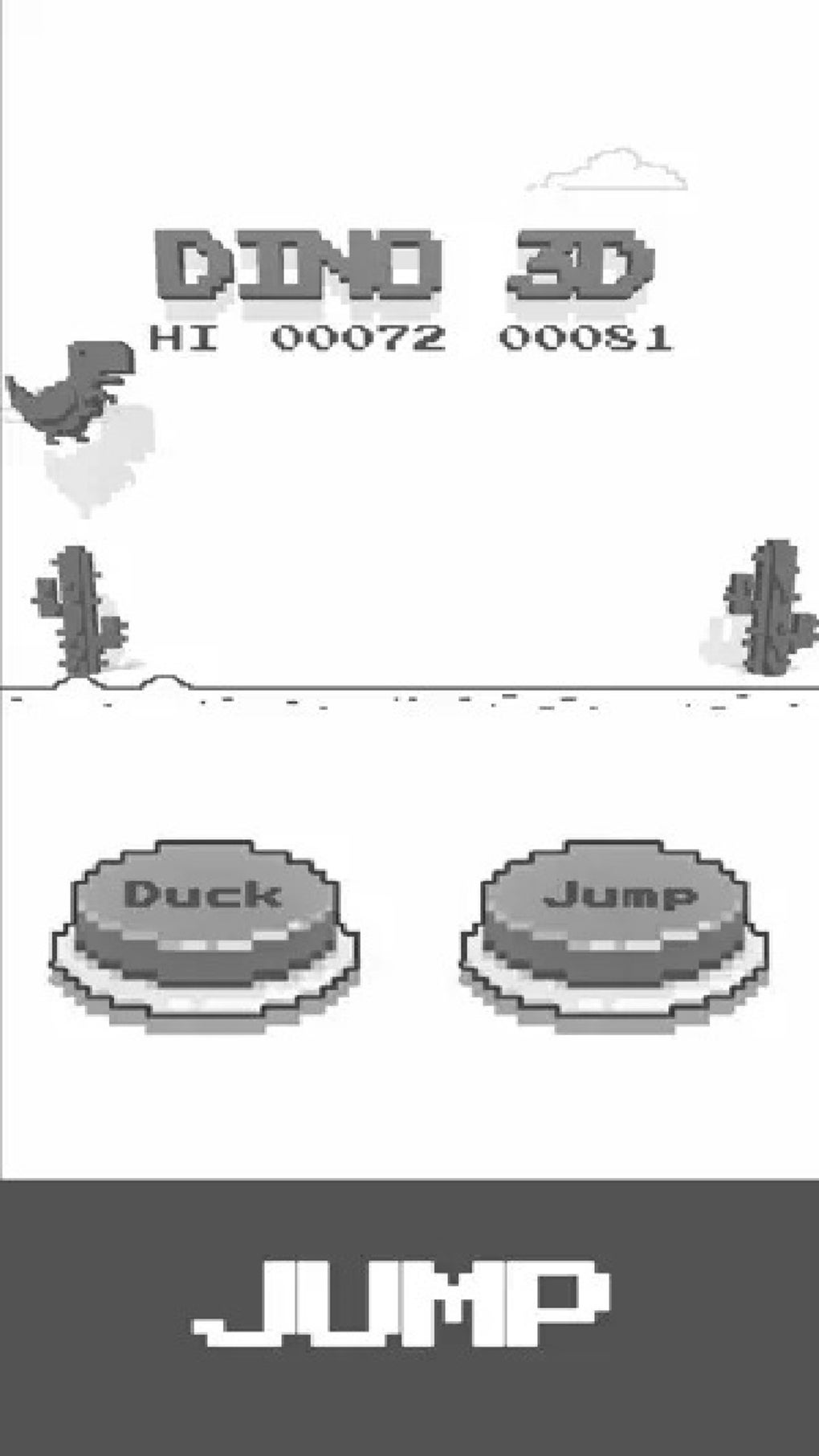
DINO 3D is a free arcade game developed by Benfont Limited, offering a fast-paced, casual gaming experience centered around a Tyrannosaurus rex sprinting across a desert landscape. Designed for mobile platforms, the game emphasizes simple yet engaging gameplay mechanics, making it accessible to players of all ages. The core objective involves navigating through a dynamic environment filled with obstacles such as cacti and pterodactyls, requiring quick reflexes and precise timing. Players control the T-Rex using intuitive jump and duck commands, which are easily accessible through on-screen buttons. The game’s straightforward design ensures a minimal learning curve, allowing users to begin playing immediately without prior experience.
Target users include casual gamers seeking quick entertainment during short breaks or those who enjoy retro-style arcade challenges. The inclusion of a leaderboard introduces a competitive aspect, encouraging repeated play to improve scores and climb rankings. Real-world usage scenarios range from commuting on public transport to relaxing at home, where the game’s short sessions fit seamlessly into daily routines. While the game is optimized for offline play, the developer notes potential performance inconsistencies in this mode, suggesting a more stable experience when connected to the internet.
Key Features & Capabilities
- Simple Jump and Duck Mechanics: The game features responsive on-screen controls that allow players to jump over cacti and duck beneath flying pterodactyls, enabling precise navigation through the desert terrain.
- Fast-Paced Arcade Gameplay: Designed for quick, engaging sessions, the game delivers a continuous challenge with increasing difficulty, maintaining player interest through rhythm and timing.
- Desert-Themed Environment: A visually distinct desert landscape with shifting sands, distant dunes, and dynamic lighting enhances immersion, creating a unique backdrop for the sprinting action.
- Leaderboard Integration: Players can track their performance against others globally, adding a competitive layer that encourages replayability and skill development.
- Offline Play Capability: The game supports standalone operation without requiring an internet connection, enabling uninterrupted play in areas with limited connectivity.
These features collectively create a streamlined experience ideal for short bursts of entertainment. The jump and duck mechanics are particularly effective in delivering immediate feedback, crucial for arcade-style games. The desert environment, while minimal in detail, provides sufficient visual cues to guide gameplay. The leaderboard fosters engagement by introducing goal-oriented play, while offline functionality ensures accessibility even without network access. However, performance stability during offline sessions remains a noted concern, as reported by the developer.
User Interface, Workflow & Performance
The user interface of DINO 3D is clean and minimal, focusing on essential gameplay elements. On-screen buttons for jumping and ducking are positioned for easy thumb access, aligning with mobile gaming conventions. The layout avoids clutter, ensuring that players can concentrate on the action without distraction. Navigation is direct: once launched, the game begins immediately, with no complex menus or setup steps. This streamlined workflow supports instant engagement, a key factor in casual mobile gaming.
Performance is generally consistent with typical mobile arcade applications. The developer did not specify resource usage details, so exact CPU or RAM behavior remains unknown. However, based on the game’s file size of 45 MB and its simple graphical style, it is expected to run efficiently on mid-range devices.
Stability during gameplay appears to vary, particularly in offline mode, where occasional crashes have been reported. While online play may offer a more reliable experience, the game’s lightweight nature suggests it should not impose significant strain on device resources. Users are advised to ensure their device meets general mobile performance standards for smooth operation.
Compatibility & System Requirements
DINO 3D is available for both Android and iOS platforms, making it accessible to a broad range of mobile users. The software version is 1.0, indicating a stable initial release. The installation size is 45 MB, which is relatively small and suitable for devices with limited storage space.
Compatibility information was partially provided, with the operating systems clearly listed as Android and iOS. The developer did not specify exact system requirements, such as minimum RAM, processor speed, or supported Android API levels. Similarly, no hardware-specific demands were detailed.
This lack of specificity means users should rely on general device capabilities for compatibility assessment.
Pros and Cons
Pros
- Free to download and play, with no in-app purchases mentioned.
- Simple, intuitive controls ideal for casual and younger players.
- Offline play available for uninterrupted gaming sessions.
- Fast-paced arcade style suits short gaming breaks.
- Leaderboard adds replayability and competitive motivation.
Cons
- Occasional performance issues reported during offline play.
- Limited system requirements information provided.
- Graphical style is minimal, which may not appeal to users seeking high detail.
- Gameplay may become repetitive over extended use.
- Version 1.0 suggests limited feature set for an initial release.
FAQ Section
Is DINO 3D available for free?
Yes, DINO 3D is a free mobile game with no cost for download or play. The developer has not indicated any in-app purchases or premium features.
Can I play DINO 3D offline?
Yes, the game supports offline play, allowing users to enjoy the experience without an internet connection. However, the developer notes potential instability during offline sessions.
What platforms does DINO 3D support?
DINO 3D is available for both Android and iOS devices. It is designed for mobile use and is not compatible with desktop systems.
Is the game safe to download?
As a mobile game distributed through official app stores, DINO 3D is considered safe. Users should download it from trusted sources to ensure security.
Does DINO 3D require regular updates?
While the current version is 1.0, the developer may release updates to improve performance and fix bugs. Users are advised to keep the app updated for optimal functionality.
Final Thoughts + CTA
DINO 3D delivers a straightforward, accessible arcade experience that excels in simplicity and immediacy. Its core gameplay—jumping over cacti and ducking under pterodactyls—provides a satisfying challenge for casual gamers and younger audiences. The inclusion of a leaderboard adds a competitive edge, encouraging repeated play.
While the game’s visual design is minimal and the feature set is modest for a version 1.0 release, its lightweight nature and offline capabilities make it a convenient choice for on-the-go entertainment. The main drawback lies in reported instability during offline play, which may affect user satisfaction. For those seeking a quick, free mobile game with minimal setup, DINO 3D remains a solid option.
Its free access and mobile focus position it well in the casual gaming space.
Download DINO 3D now.







